The data is in a spreadsheet, the analysis in a slide, the decision in an email, and the training somewhere else. Nothing connects, so nothing sustains. Six months later nobody can say whether the fix held.
The 45-second version · 0:45
So we brought it together.
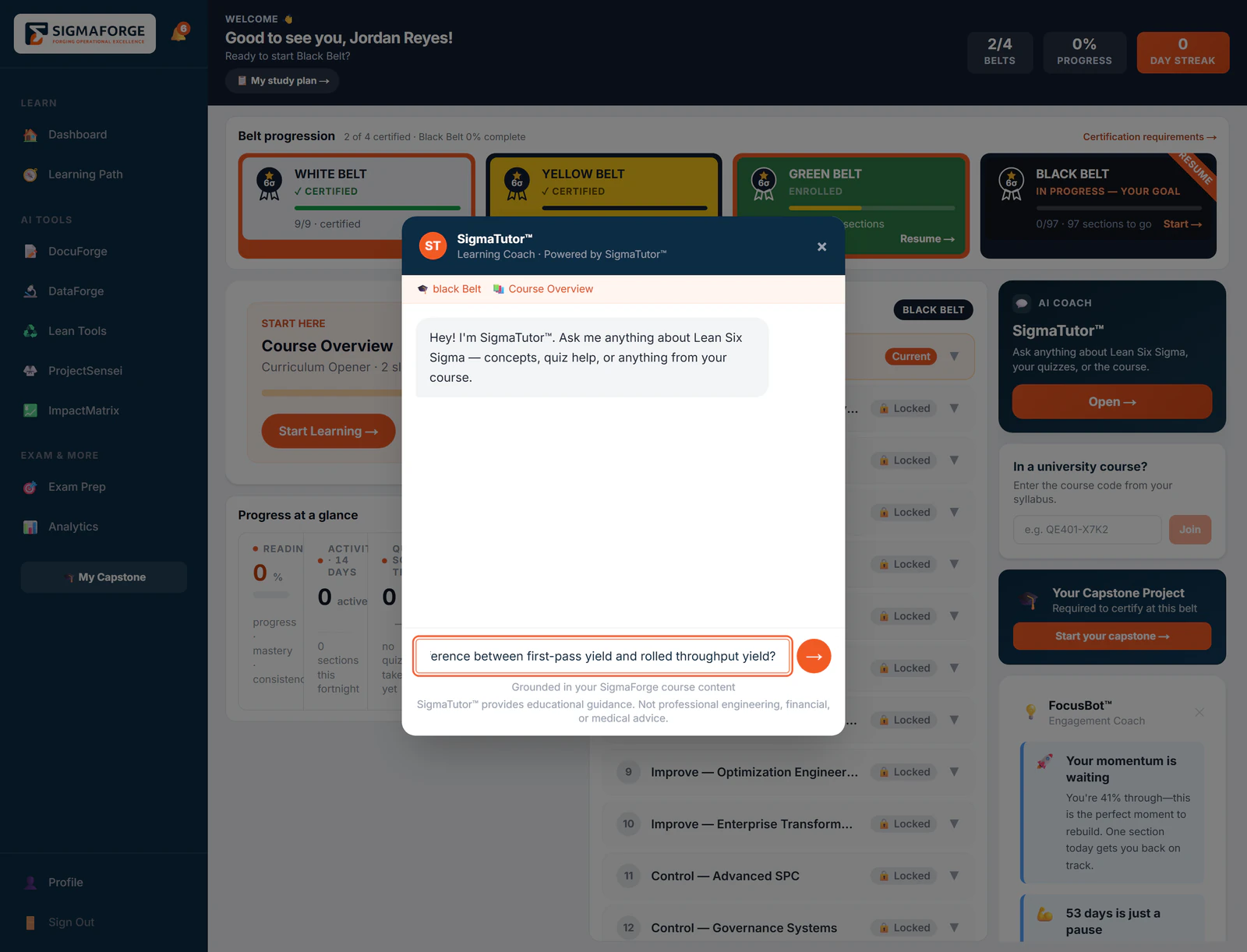
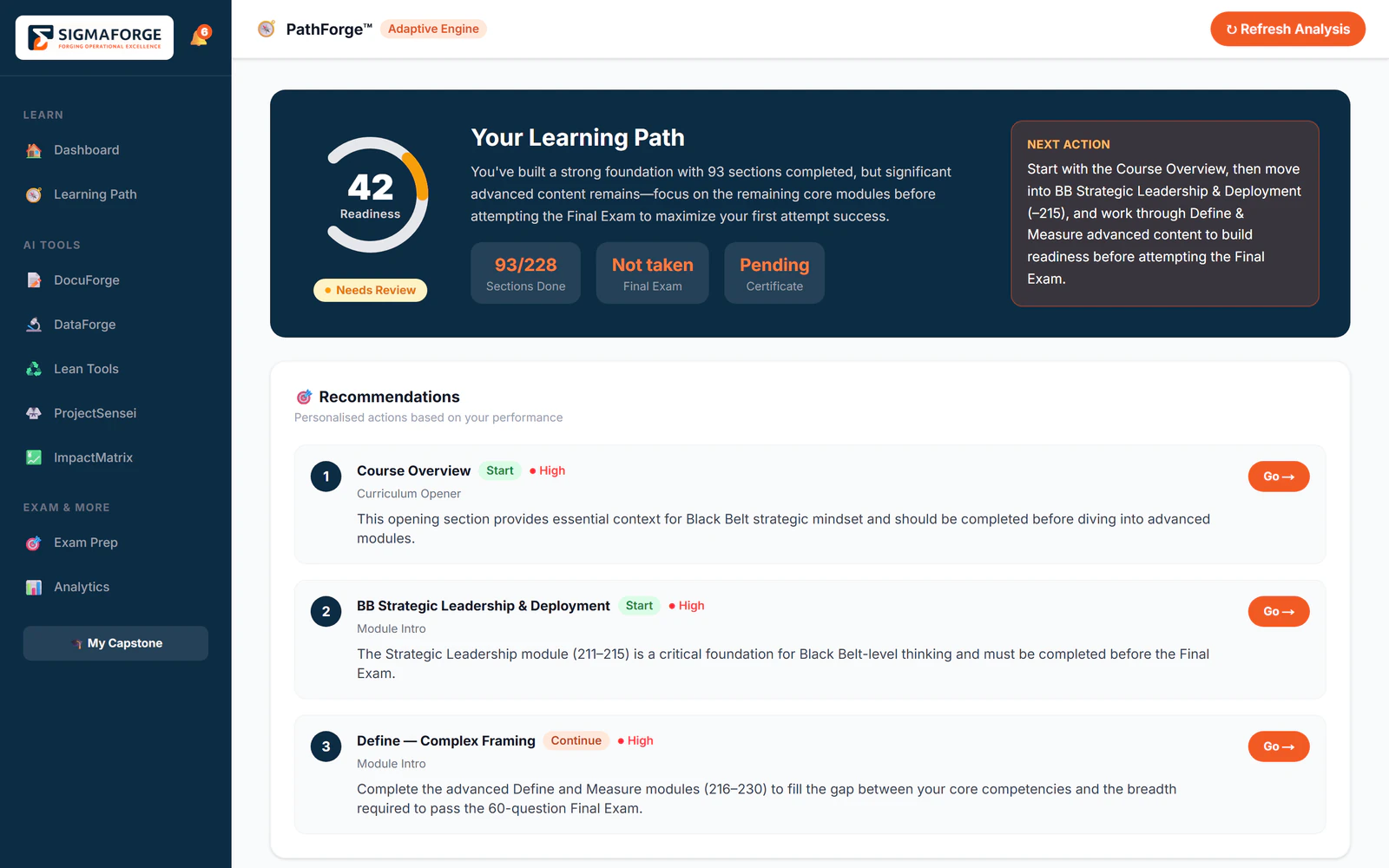
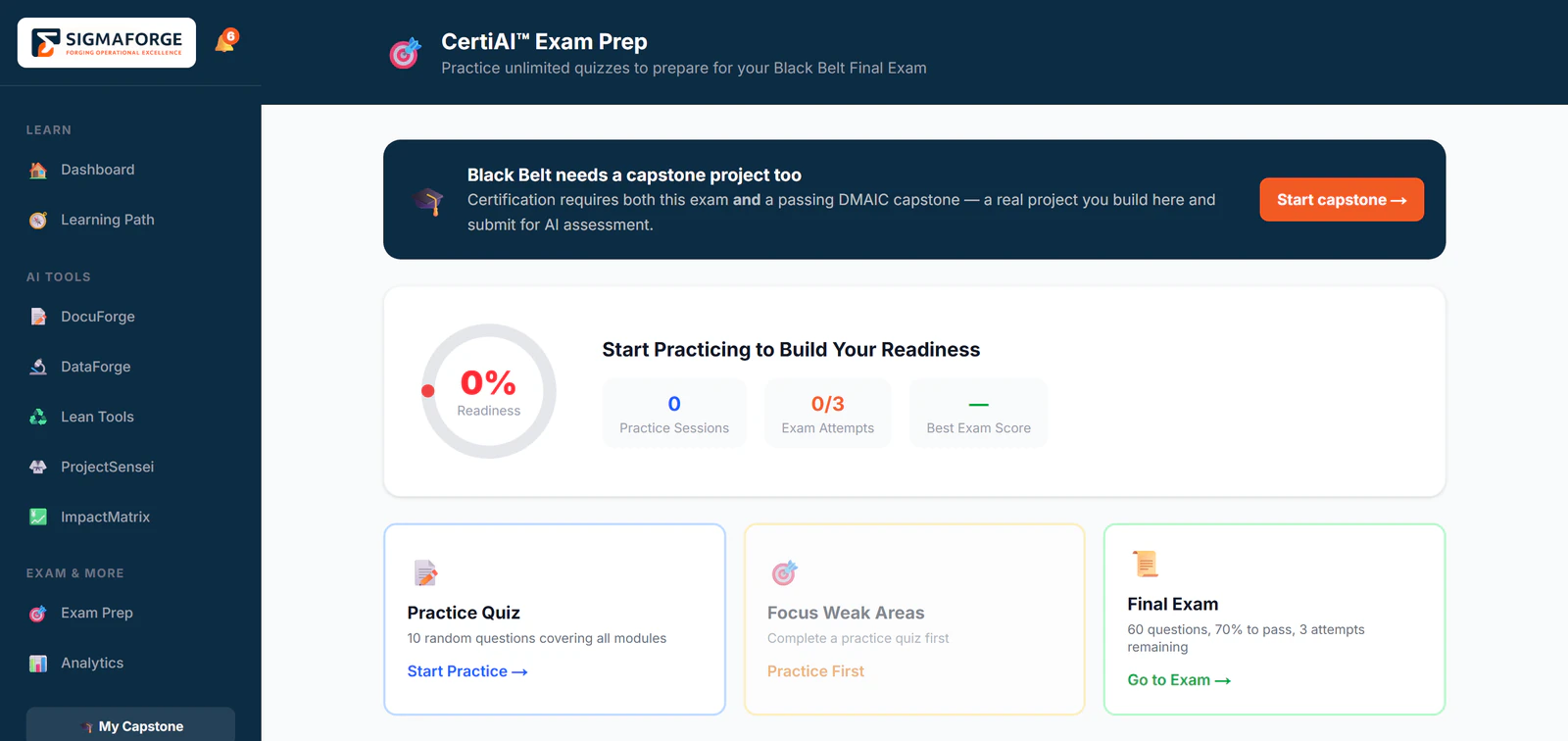
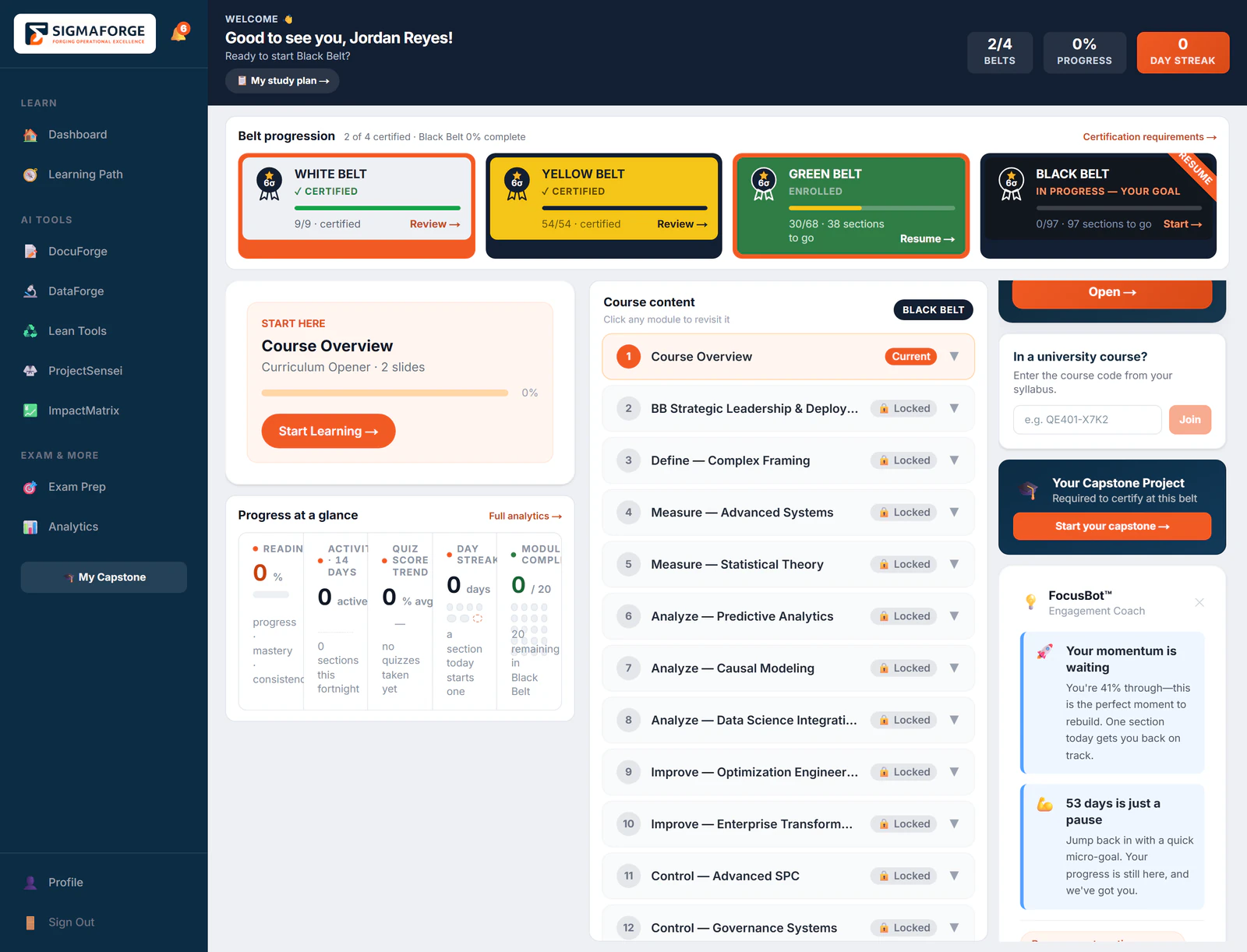
Learn Lean Six Sigma from White Belt to Black Belt, apply it to real projects phase by phase, and prove it with validated savings and certificates anyone can verify. Thirteen AI agents do the statistics, the documents and the coaching. Your people make the decisions.
Learn, practice, apply, track, optimize, scale. Every tool and every agent sits somewhere on this loop, and every output stays in the project it came from.
01LearnBuild the foundation
02PracticeBuild skill safely
03ApplyRun real projects
04TrackQuantify the impact
05OptimizeClose the loop
06ScaleSpread across the organization
One workspace
Charter to sign-off, in one place.
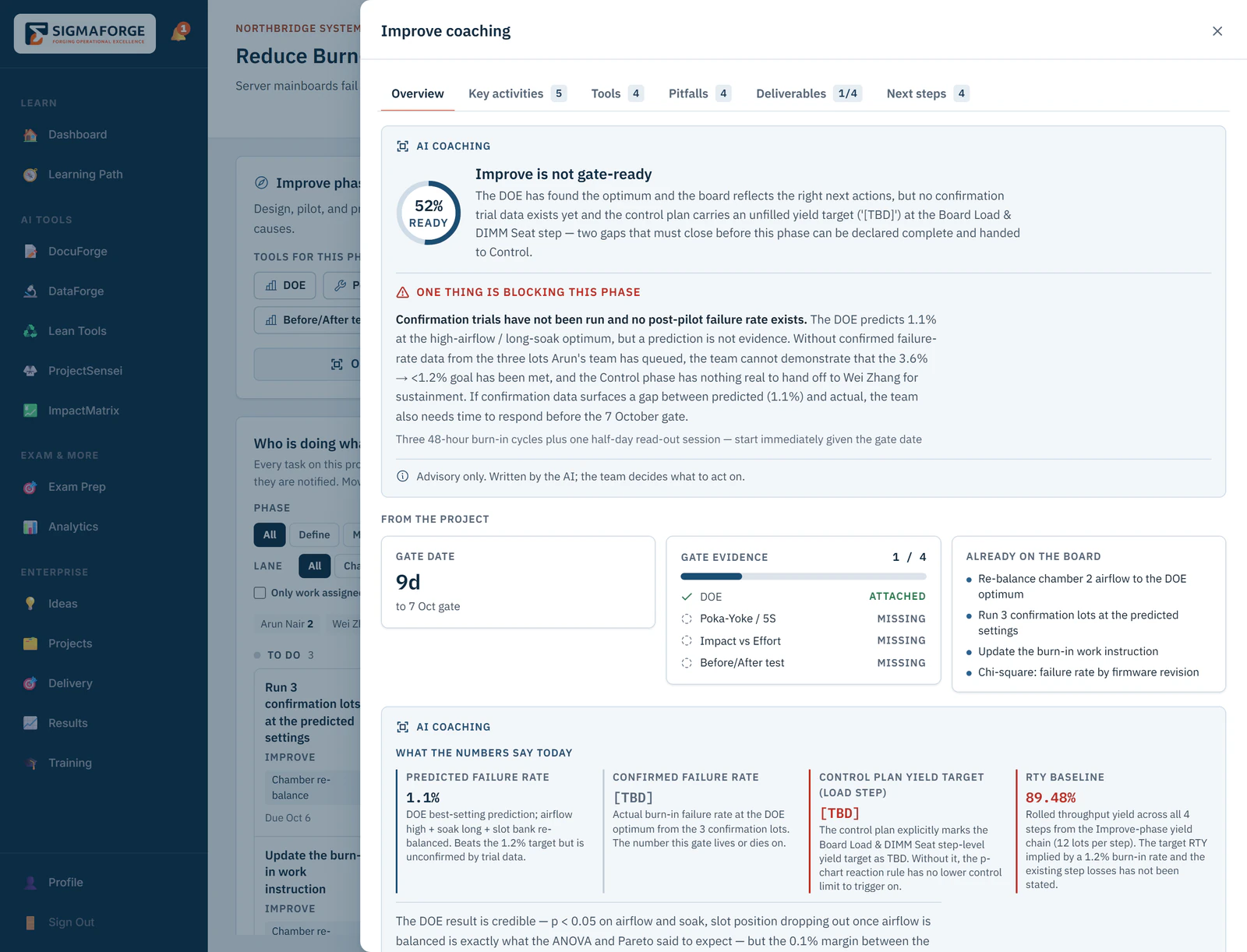
Every project runs the same five gates. The tools each phase needs sit at the top, the team’s tasks underneath, and every chart and document is saved as a deliverable that counts as evidence for the gate.
A charter, a phase plan and a task board for every project
Deliverables from DataForge and DocuForge saved to the phase
A tollgate nobody can approve for themselves
A written phase summary, and a dossier PDF of the whole project
1Five gates across the topDefine to Control, with the state of each.
2The tools this phase needsDOE, Poka-Yoke and 5S, impact against effort.
3Who is doing whatThe team task board, filtered by phase.
4DeliverablesEvery saved output counts as gate evidence.
5The tollgateFour of four artifacts, awaiting review.
Product screen, demo data
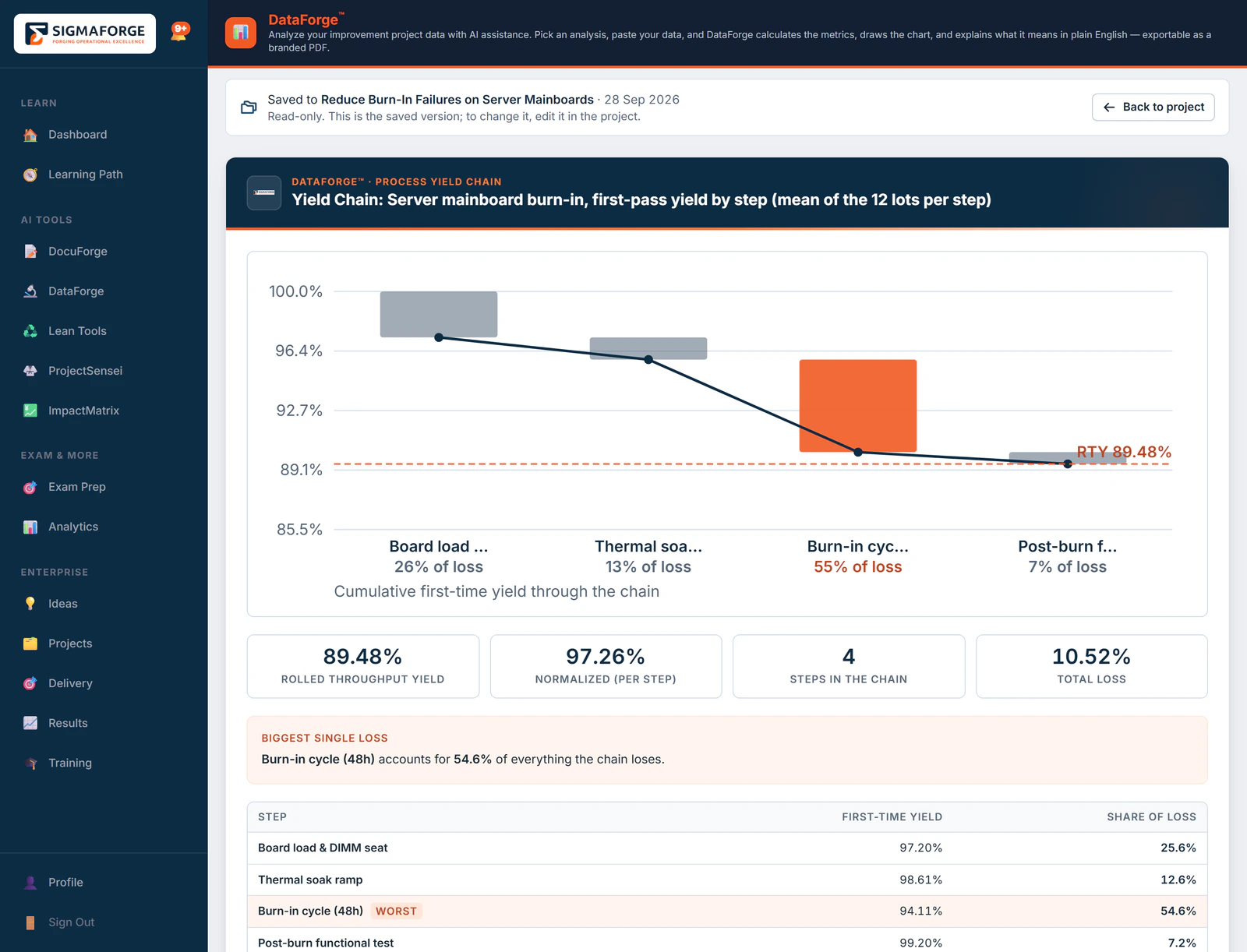
DataForge
Statistics you can defend.
The engine computes the figures and the model only writes the explanation over the top. If the model is having a bad day the wording suffers; the numbers do not move.
282828of 32
analyses computed by the engine
323232
analyses, including the test selector
222222
chart types
The chart below is the real thing, running in your browser. Drop in a CSV and it will use yours.
defects_line3_may.csv
n = 12Mean = 7.50UCL = 13.55LCL = 1.451 out of control
Special-cause signal detected. 1 point breached the control limits: the process isn't stable, so investigate before judging capability.
Run this on a real project, with the charter alongside
This demo runs in your browser and your data never leaves this page. In SigmaForge, DataForge saves the analysis to your project and DocuForge drafts the charter from it.
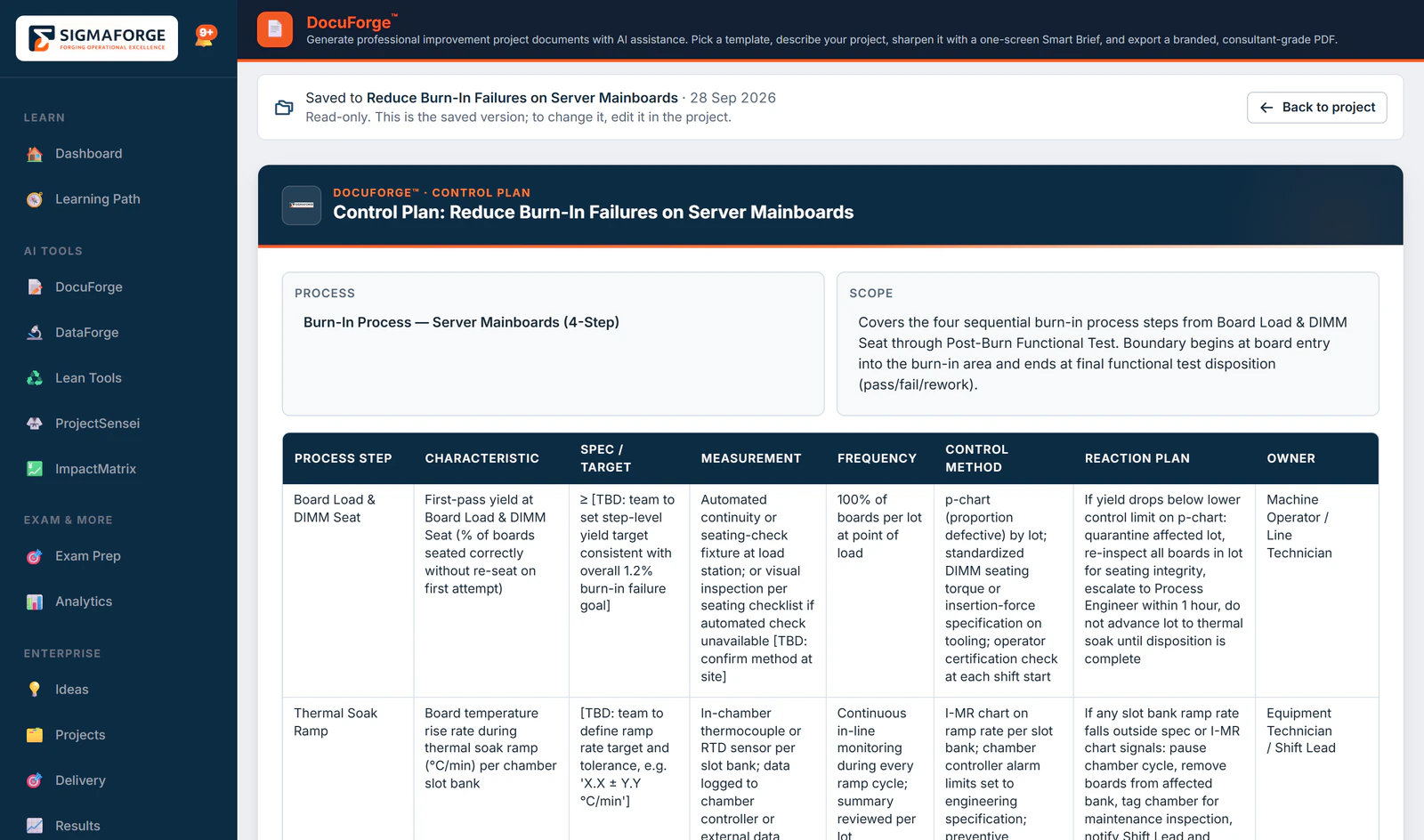
Answer a few questions about the problem, the process and the goal. Get back a document you can edit, brand and export, saved into the project. 14 templates, and 8 of them produce a diagram as well as the text.
Product screen, demo data·A control plan, saved to the project
Four tool hubs
Four hubs. Every tool in its place.
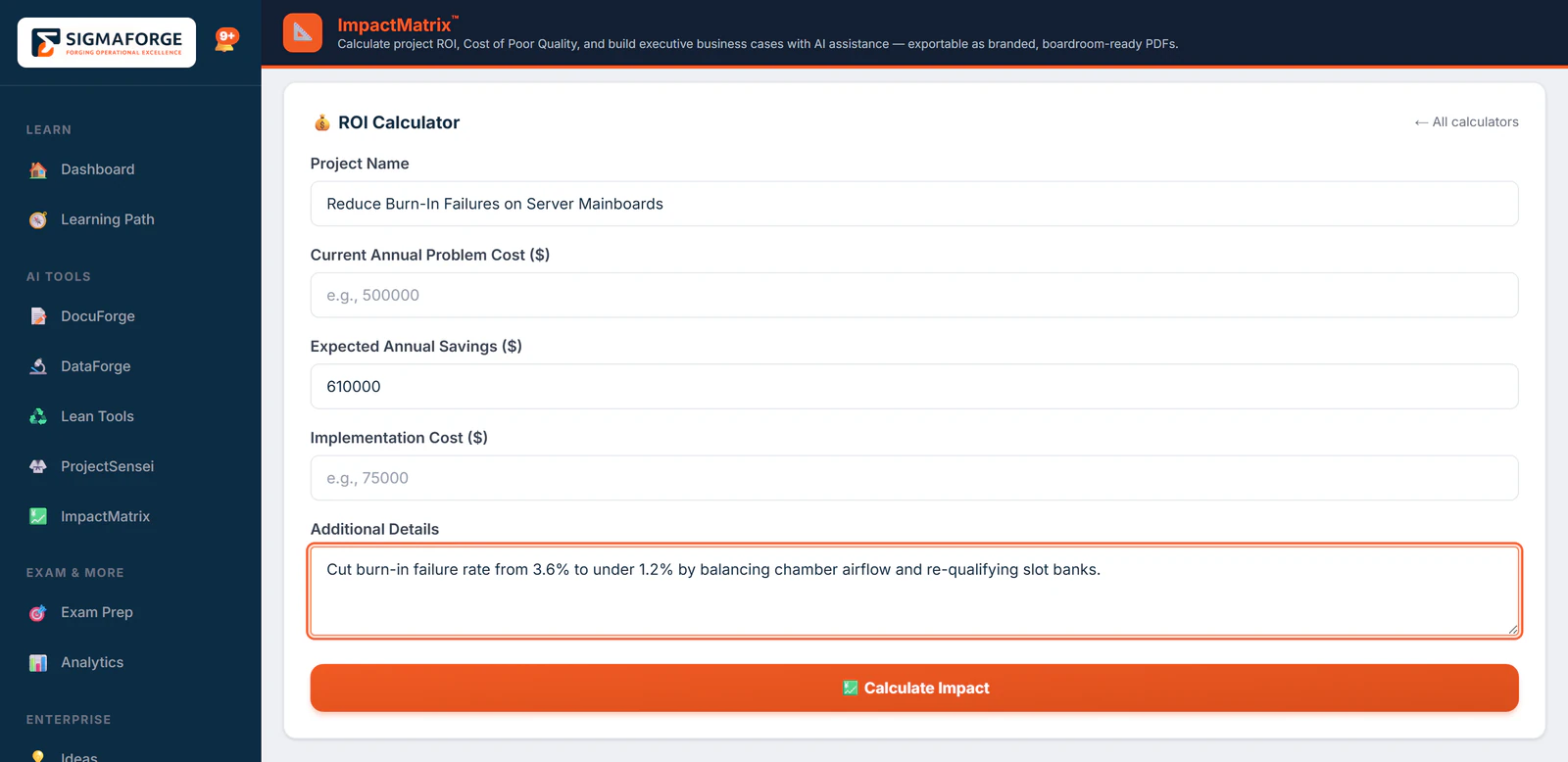
DataForge, DocuForge, Lean Tools and ImpactMatrix hold the tools, and each project phase opens the one it needs. ProjectSensei's three planning tools make up the rest of the 56.
Watch one project go from an idea to signed-off savings.
An idea is scored and chartered, the team and the agents do the work, a tollgate decides, and an admin who did not lead the project signs off the savings. Every screen is the product, on a demo company’s data.
SigmaForge for Enterprise3:27 · Captions
Questions
Asked before every demo.
Do we need an integration project to start?
No. Data comes in four ways: paste the values, upload an Excel or CSV file, drop a screenshot of a table, or use the measurements your team already recorded on the project. That list is the whole list, so there is nothing to connect before the first chart.
Does the AI make up the statistics?
No. 28 of the 32 analyses compute their figures in a deterministic engine, and the model only writes the explanation over the top. If the wording is off on a given day, the numbers are not.
Where do the charts and documents go?
Into the project, as deliverables of the phase you are in. They count as evidence for that phase’s tollgate, and the whole project can be exported as a dossier PDF.
Can someone approve their own tollgate?
No. The person who submits a tollgate cannot approve it. The system refuses, rather than trusting the org chart, and the approval lands in the audit log.
Is the training part of the same platform?
Yes. The Academy teaches the method in 4 belts, White to Black, and the agents a learner practices with are the same ones the project team uses.