
Verify a SigmaForge certificate
Every SigmaForge certificate carries a unique ID, printed on the document and encoded in its QR code. Enter it to confirm the credential is genuine.
- Free
- to check
- no account, no login
- 3
- steps
- find, enter, read
- 0
- messages
- the holder is not told
Enter the certificate ID
For example GB-2026-0004. The letters name the belt.
Verification is free and requires no account.
How verification works
Three steps, and no one to call
Verification is free and needs no account. The holder does not have to be asked, and nothing is sent to them.
- Step 01
Find the ID
Every certificate prints its ID, such as GB-2026-0004, and a QR code that carries the same thing.
on the certificate
- Step 02
Enter it, or scan the code
Type the ID here, or point a phone camera at the QR code. Either way you land on the public record.
/verify
- Step 03
Read the record
The holder, the belt and the issue date, read straight from SigmaForge records, plus the supervising institution where there is one.
/verify/[ID]

- 1Valid, or not found
- 2Holder and belt
- 3ID and date
- 4Who supervised it
The public record
What the record shows
Only what the certificate itself shows, read straight from SigmaForge records rather than from the PDF.
- Whether it is validA record either exists in SigmaForge records or it does not. There is no in between.
- Who holds it, and which beltThe name as it appears on the certificate, and the belt it was issued for.
- The ID and the issue dateSo you can match the record to the document you were given.
- Who supervised itWhere the certificate was earned in a university course, the supervising institution is named.
Questions
Checking a certificate
What a hiring manager or an admissions office usually asks first.
Does it cost anything, or need an account?
No. Verification is free and open to anyone, with no account and no login.
Where do I find the ID?
It is printed on the certificate, in the form GB-2026-0004, and carried by the QR code on it. Scanning the code opens the record directly.
What if no record is found?
Check the ID for typos first: the letters at the start name the belt, as in WB, YB, GB or BB. If it still does not match, no SigmaForge certificate carries that ID. Contact us if you think that is wrong.
Is the holder told that I checked?
No. Looking up a record sends nothing to the holder.
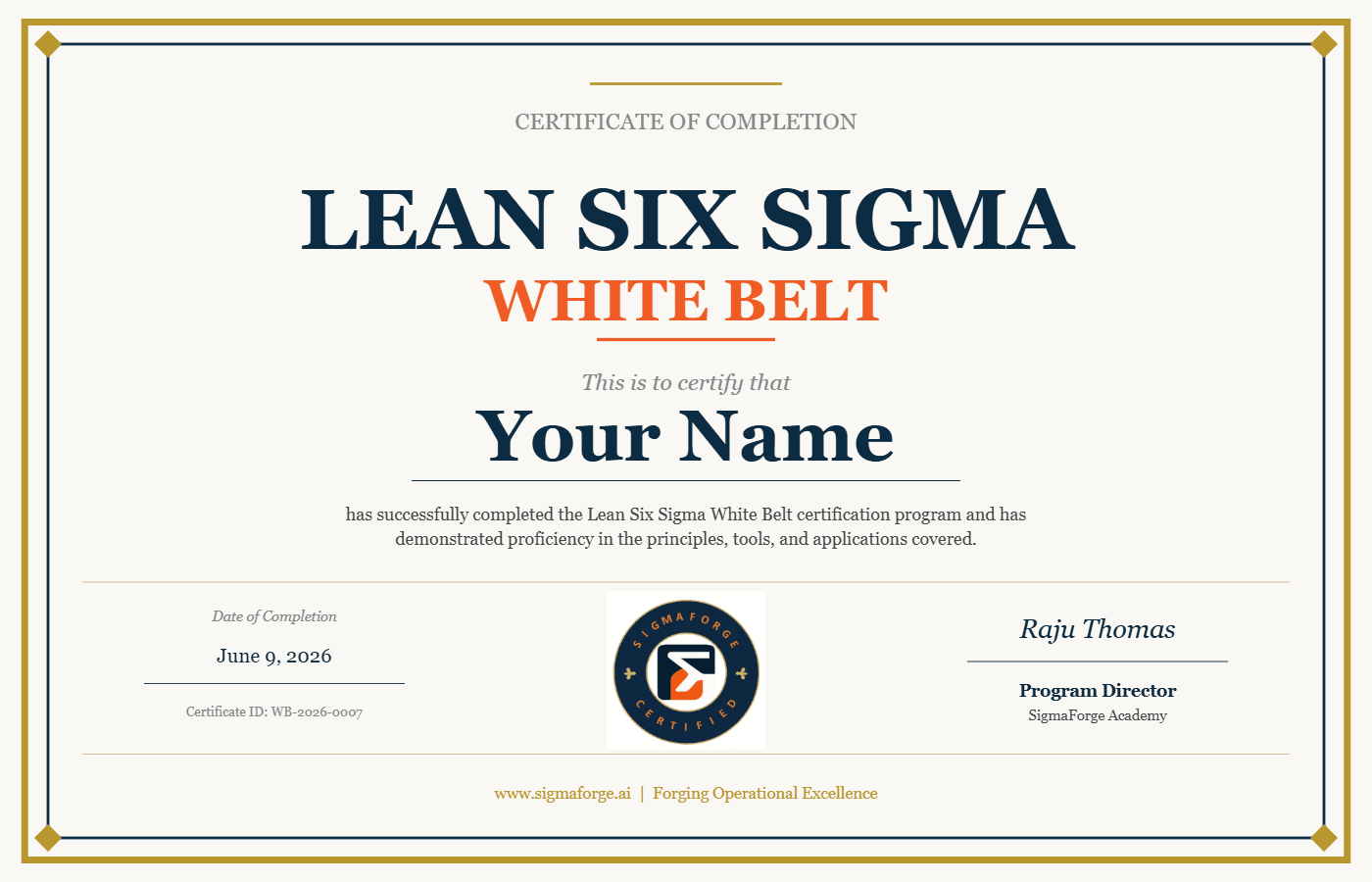
Sample certificate. Each one carries its own ID, in the form WB-2026-0007.
Earn one of your own
A certificate anyone can check starts with the White Belt.
It is free: five modules, the exam, and a certificate with its own public record.